Source code: shenxn/protonmail-bridge-docker: ProtonMail IMAP/SMTP Bridge Docker container (github.com)
Change to the Paperless docker directory
sudo docker compose down
sudo docker run --rm -it -v protonmail:/root shenxn/protonmail-bridge init
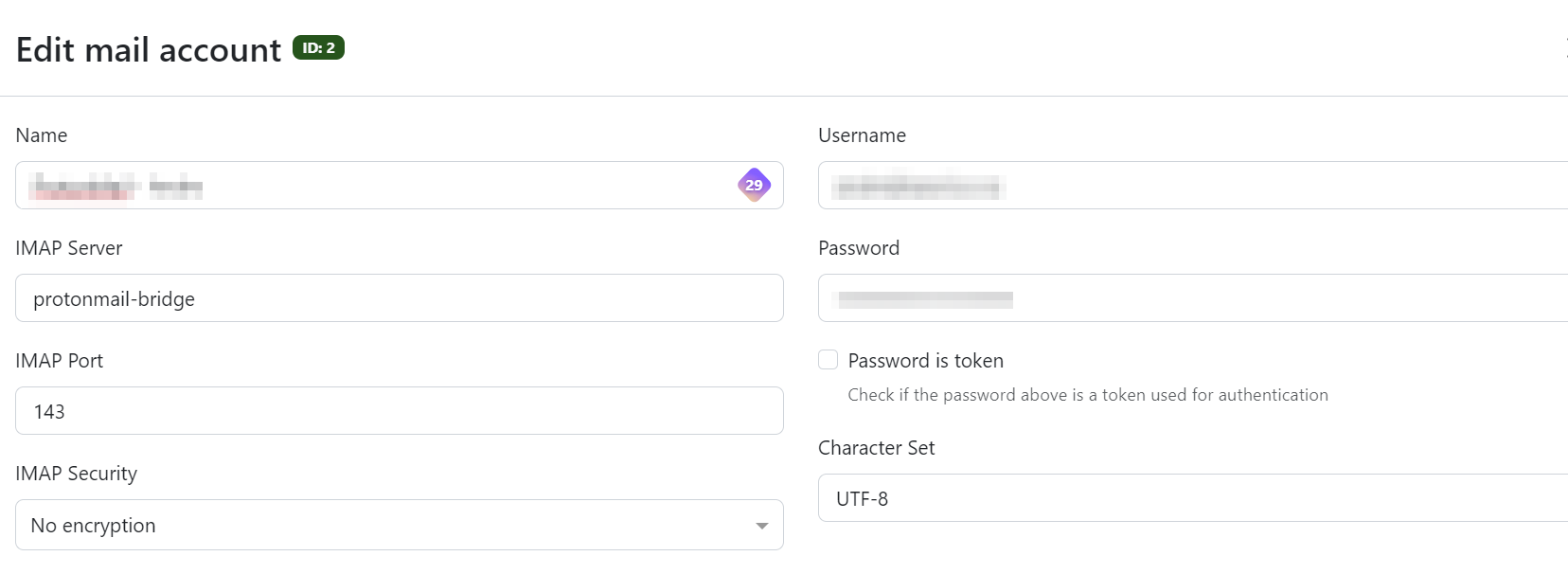
Enter "login" to connect the ProtonMail account. Once complete, type "info" to get the login details that will be used in the Paperless mail interface.
Exit the instance (using control-c if necessary).
Bring paperless up again.
sudo docker compose up -dConfigure and test the mail settings